Paying in your own currency: how currency choice works
یہ مضمون فی الحال انگریزی میں ہے۔
Short answer
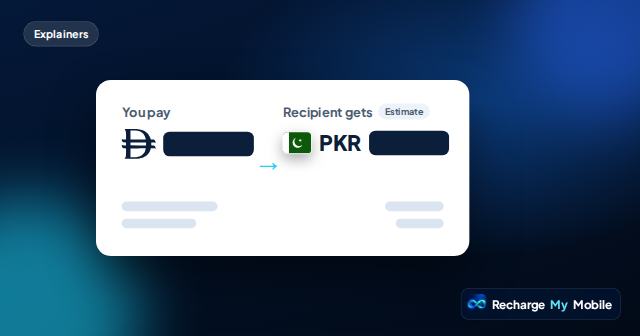
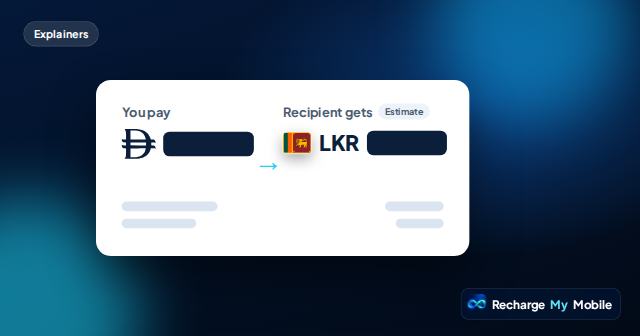
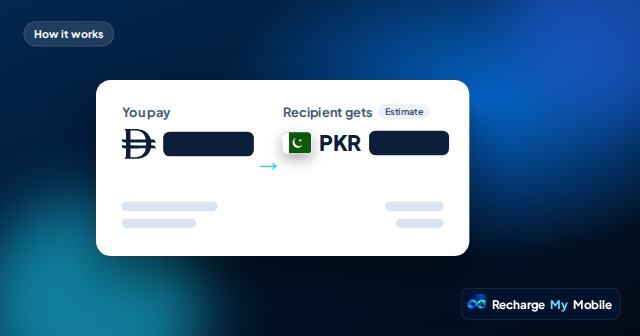
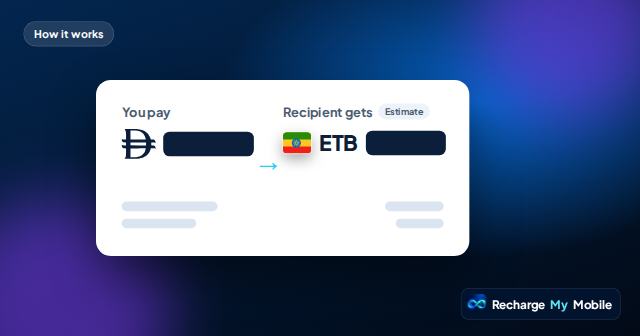
You choose the currency you want to pay in from the site header, for example AED, SAR, QAR, KWD, BHD, OMR, USD, EUR or GBP. The quote then shows "You pay" as the total in that currency, including any service fee, and "Recipient gets" in terms of what arrives. Where exchange rates can change what arrives, it's labelled as an estimate.
Choosing your currency
The currency selector is in the site header. Pick it before you start, and every quote you see will show the total in that currency. You can change it later; the next quote will use the new currency.
Many customers in the UAE pay in dirhams, but people who earn or bank in another currency may prefer that. The choice is yours.
What the quote shows
A quote always has two sides.
- "You pay": the total in your chosen currency, including any service fee.
- "Recipient gets": what arrives on the phone, in the destination's terms or as a bundle.
- Estimate labels: shown where exchange rates or operator rules can change what arrives.
- Expiry time: after which the quote is refreshed rather than charged at an old price.
Why exchange rates matter
Top-ups are valued in the destination's currency, such as rupees, taka or pesos. When you pay in a different currency, the quote converts between the two. Exchange rates move, so the figures can change between quotes.
That's one reason each quote has an expiry time. If it expires, we refresh it with current figures. You're never charged at an old, expired price.
Your bank's role
Your bank or card provider may treat payments in some currencies differently, for example if the currency you choose isn't your card's own currency. Their rules apply to how the payment appears on your statement.
If you want to avoid surprises on your statement, it often helps to pay in the same currency as your card. Your bank can explain any charges it applies.
Taxes and fees in any currency
Whatever currency you pay in, any service fee is included in "You pay". Some countries' operators deduct a tax from prepaid top-ups. Where our supplier reports it, the quote shows the top-up amount and what arrives after the tax.
Currency choice doesn't change what the operator deducts; it only changes the currency you see and pay.
Sending to several countries
If you top up people in more than one country, you can keep paying in the same currency for all of them. Each quote converts from your chosen currency to the destination's.
This makes it easier to track your spending. A simple monthly phone budget is easier to keep when all your orders show the total in one currency.
Tips for currency choice
A few small habits keep things clear.
- Set your currency in the site header before starting an order.
- Use the same currency as your card where possible.
- Read "You pay" on every quote, especially after a refresh.
- Check whether "Recipient gets" is marked as an estimate.
- Keep your order links; each order page shows what you paid.
Questions people ask
Which currencies can I pay in?
You can choose from several currencies in the site header, including AED, SAR, QAR, KWD, BHD, OMR, USD, EUR and GBP.
Will my bank charge me for paying in another currency?
It might, depending on your bank and card. Their rules apply. Paying in your card's own currency often helps avoid surprises.
Why did the price change when I switched currency?
The quote converts using current exchange rates. Each currency shows the same top-up valued at the rate available at that time.
Does the currency I choose change what the recipient gets?
It can slightly, through exchange rates. Where what arrives can change, "Recipient gets" is labelled as an estimate.
Can I pay in a currency different from where I live?
Yes. Pick any listed currency in the site header. Your bank's own rules apply to how the payment appears on your statement.