Asking someone in the UAE to top up your phone
Cet article est en anglais pour le moment.
Short answer
If someone in the UAE has offered to top up your phone, you can send them a request link. On the page "Ask someone in the UAE to top you up", choose your country and type your number, and the page makes a link. When they open it, the top-up form opens with your details filled in. They choose airtime or data, see the quote and pay by card.
Why a request link helps
When a relative or friend in the UAE offers to top up your phone, the usual first step is sending them your number and hoping they type it correctly. One wrong digit can send credit to a stranger.
A request link saves that step. Your country and number are already in the link, so the person paying doesn't have to copy anything. They still check the details and choose what to send, but there is less to type and less to get wrong.
How to make the link
Open the page "Ask someone in the UAE to top you up". Choose your country, then type your mobile number. The page makes a link for you to copy or share.
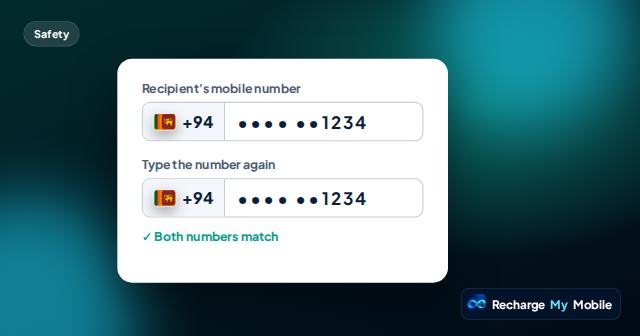
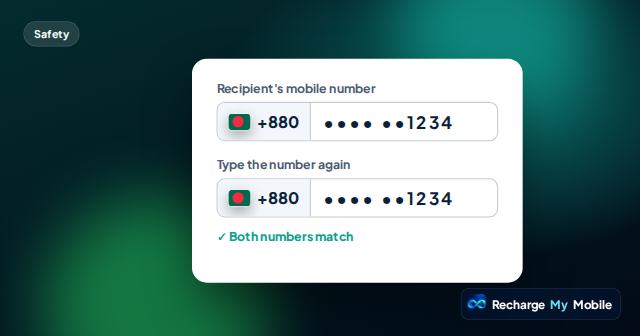
Before you send it, read your number back carefully. The link carries exactly what you typed, so a mistake in the number becomes a mistake in the top-up form.
How your number stays private
Your number sits in the link after the # sign. Browsers don't send that part of a link to the website, so our site doesn't receive or store your number when you make the link, or when someone opens it.
The number is still visible to anyone who has the link, though. Send it only to the person you're asking, for example in a private WhatsApp chat with them. Don't post it in a group or on social media.
What the person in the UAE sees
When they open the link, the top-up form opens with your country and number filled in, with a note asking them to check it's the right person. Nothing is paid at this point.
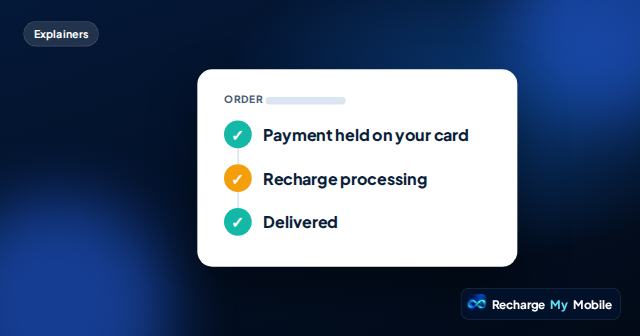
They then choose airtime or a data bundle. The quote shows what they pay and what you get before they pay. They pay by card. The amount is only held on their card at first, and it's taken when your operator confirms delivery. If the top-up fails, the hold is released.
Once it's delivered, the credit arrives on your phone. If the product is a PIN voucher, they get a code to send you instead, which you enter on your phone.
What to tell them with the link
A short message alongside the link makes their job easier and helps them choose well.
- Which operator your number is on now, especially if you have changed network.
- Whether you would like airtime, a data bundle or either.
- Which SIM to top up, if your phone has two.
- That you have checked the number in the link yourself.
Staying safe
Only send a request link to someone you know who has offered to help. Never send one in reply to a stranger who promises free credit, and never share a one-time code sent to your phone with anyone.
If the person paying isn't sure the link really came from you, they can call you first to check the number and operator. That small step protects both of you.
Questions people ask
Does the website see my number when I make a request link?
No. Your number sits after the # sign in the link, and browsers don't send that part to the website, so we don't receive or store it.
Can anyone who has the link see my number?
Yes. The number is in the link itself, so send it only to the person you're asking, in a private message rather than a group.
Who pays for the top-up?
The person in the UAE who opens your link. They pay by card, after seeing what they pay and what you get.
What if I'm on a network that uses PIN vouchers?
Then the person paying gets a code once it's delivered. They send the code to you, and you enter it on your phone to add the credit.