Protecting the recipient's number and privacy
இந்தக் கட்டுரை தற்போது ஆங்கிலத்தில் உள்ளது.
Short answer
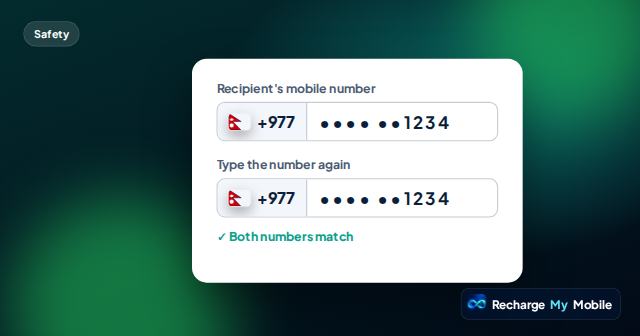
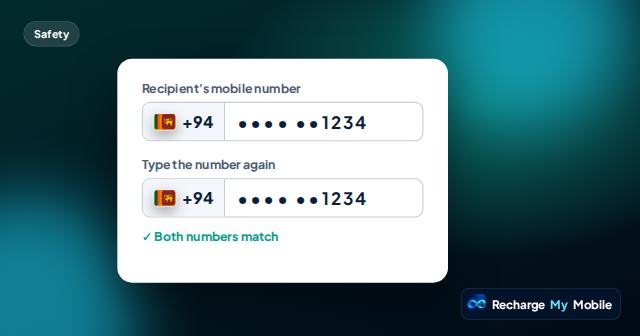
A phone number is personal information, so we treat it with care. Once entered, the recipient's number is shown masked, such as ••••1234, on quotes and order pages. Raw numbers never go to our AI assistant. You can help too: share numbers privately, keep them only with the person's agreement, and delete them when they ask.
Why phone numbers deserve care
A phone number can be used to reach someone, to send them messages or, in the wrong hands, to target them with scams. Many services also use phone numbers for sign-in codes. That makes a number more sensitive than it first seems.
When you top up someone's phone, you are trusted with that number. Handling it carefully is part of being a good sender.
How we show and handle numbers
Several steps keep numbers out of sight where they don't need to be.
- Quotes and order pages show the number masked, such as ••••1234.
- The Recharge Guide assistant never sees raw phone numbers; numbers are entered in a secure form instead.
- Order pages are reached through a secure link rather than a public address.
- We use the number to check its format and, where available, its operator, and to deliver the top-up.
Why the assistant doesn't see numbers
The Recharge Guide can help you find an eligible top-up and explain fees or an order. It doesn't need the actual number to do that. When a number is required, you enter it in a secure form, and the assistant works with a placeholder instead.
This keeps one of the most sensitive details away from the chat entirely.
What you can do
Your habits matter as much as ours. A few simple steps keep the people you top up safer.
Screenshots and shared devices
People often screenshot an order to show a relative that a top-up is on its way. That is fine, because the number is masked, but take care not to share the order's secure link publicly, since anyone with it can view the order.
If you use a shared or family computer, close the order page when you have finished. On a shared phone, think about who else can see your email, where order links and reminders arrive.
Questions people ask
Do you share the recipient's number with anyone?
We use the number to check it and to deliver the top-up through our supplier and the operator. It isn't shown in full on quotes or order pages.
Why is the number shown as ••••1234?
Masking hides most of the number so it isn't exposed on screens, screenshots or shared devices, while the last digits let you check it.
Does the AI assistant see my family's phone numbers?
No. Raw phone numbers never go to the assistant. Numbers are entered in a secure form, and the assistant only works with a placeholder.
Is it safe to send a screenshot of my order?
Usually, because the number is masked. Avoid sharing the order's secure link publicly, because anyone with the link can view the order's details.