PIN vouchers: how they work and how to send one
यो लेख अहिलेलाई अंग्रेजीमा छ।
Short answer
A PIN voucher is a top-up delivered as a code. Instead of the operator crediting the number, you get a code on your order page once it's delivered, send it to the person, and they enter it on their phone to add the credit. In some countries, such as Australia, PIN vouchers are the only way we can top up a phone.
Two ways a top-up can arrive
Most of the top-ups on our site go straight to the number: you enter it, pay, and the operator adds the credit to that line. Nobody needs to do anything on the phone.
A PIN voucher works differently. The operator issues a code worth a set amount. Whoever enters that code on a phone on that network gets the credit. The code is the top-up, so it has to reach the right person.
How to tell which one you are buying
Every PIN voucher on our site is marked "PIN voucher": on the product list, on the operator's page and again in the quote, before you pay. The quote also says what to expect: a code on your order page that you send them.
Some countries have both kinds for the same operator. If the person can't easily enter a code, or you would rather it went straight to their number, choose a product without the PIN voucher label where there is one.
What happens after you pay
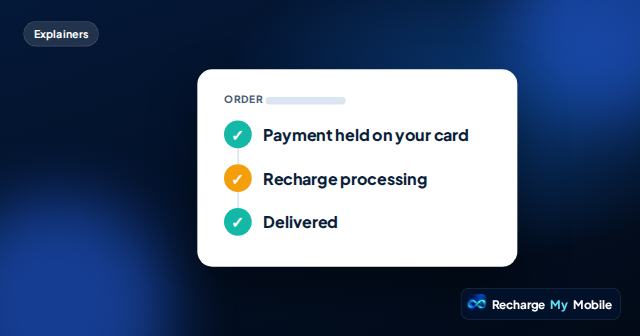
When you pay, the amount is only held on your card. We ask our provider for the code, and we take the payment only when we have it. If we can't get a code, we release the hold and you aren't charged.
Once it's delivered, the code appears on your order page, with the operator's own instructions for using it. It is never sent by email or shown in the chat, so keep the secure link to your order page.
Sharing the code safely
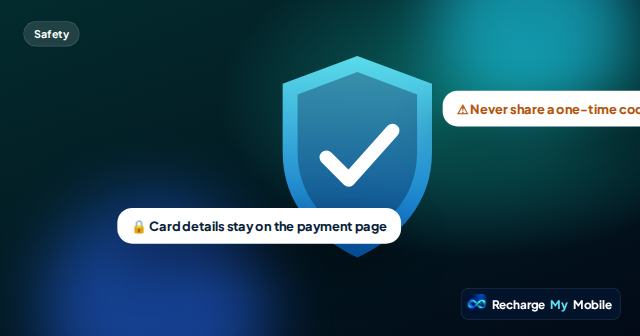
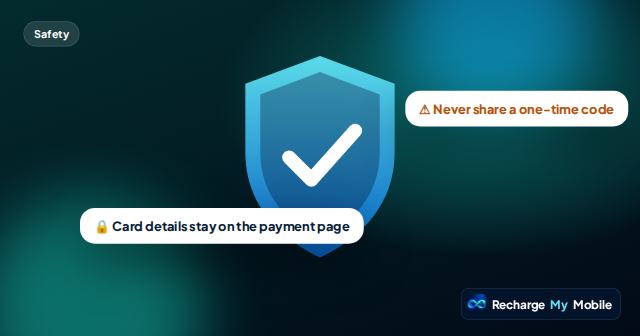
Anyone who has the code can use it, a little like cash. Send it only to the person it is for, in a message to their own number, and don't post it anywhere others can see.
Once the code is on your order page, it can't be cancelled or refunded, because we have no way to know whether someone has already used it. Check the operator and the amount in the quote before you pay.
- Copy the code from your order page, or use the button to send it on WhatsApp
- Send it to the person's own number, not to a group
- Never share a code with someone who contacts you out of the blue asking for one
How the person uses it
The operator's instructions on your order page say how to redeem the code. Usually it means dialling a short code with the PIN, or entering it in the operator's app or on its website.
If a code doesn't work, ask the person to check they typed every digit, and that their phone is on the network the voucher is for. If it still doesn't work, contact us with your order reference and we'll check it with our provider.
Questions people ask
Why can't you send the credit straight to the number?
In some countries the operators we work through only sell their top-ups as PIN vouchers. Where both kinds exist, the product list shows which is which.
Where do I find the code?
On your order page, once the order says Delivered. It isn't sent by email or shown in the chat.
Can I get a refund for a PIN voucher?
Not once the code is on your order page, because anyone who has it could already have used it. If we can't get a code, you aren't charged.
Does the code work on any network?
No. A voucher works only on the operator it was issued for, so check the operator in the quote before you pay.