What happens after you pay for a top-up
Por ahora, este artículo está en inglés.
Short answer
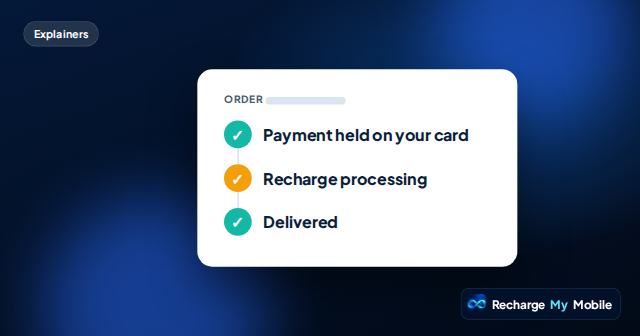
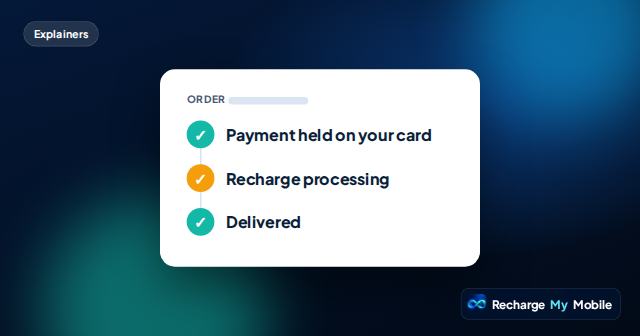
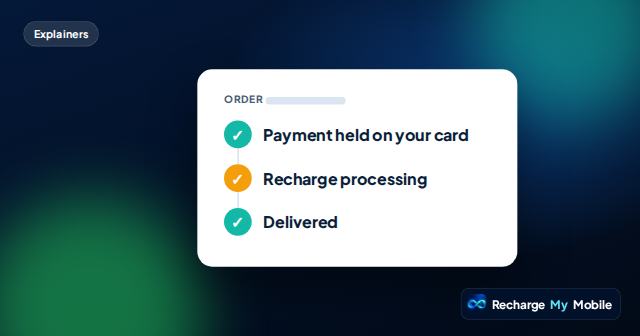
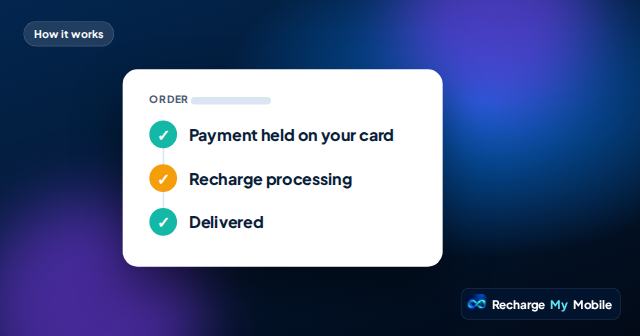
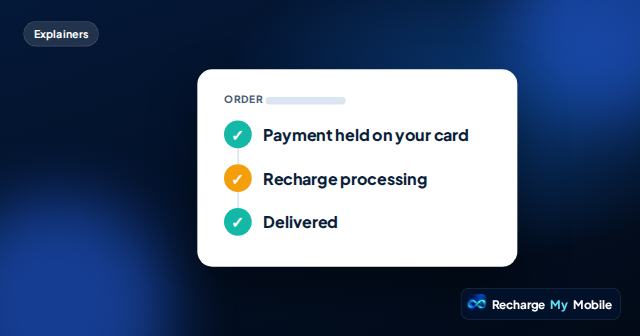
After you pay, two separate things happen. First, the amount is held on your card: the order page shows Payment held. Then we send the top-up through our supplier to the recipient's operator: Recharge processing. When the operator confirms it, we take the payment, and the page shows Delivered and the supplier's transfer reference. Operators usually credit quickly, but some take longer. If a top-up fails, the hold is released and you aren't charged.
Why payment and delivery are separate
Paying for a top-up and delivering it are two different events, handled by different parties. The payment provider holds the amount on your card, and we take it only once the top-up is delivered. The top-up itself is credited by the recipient's operator, through our supplier.
Most of the time the two happen close together. But they can be separated by a delay, and treating them as one step would hide what's really going on. So we show each one on its own.
The statuses you'll see
The order page moves through these steps.
- Payment held on your card: the amount is held, not taken. The top-up hasn't been delivered yet.
- Recharge processing: we've sent the top-up and are waiting for the operator to confirm.
- Delivered: the operator has confirmed the credit, and the payment is taken. The transfer reference is shown.
- Not delivered: the operator didn't accept the top-up. The hold on your card is released and you aren't charged.
Where you pay, and what we never see
You pay on a secure payment page. Card details never pass through our site or through the Recharge Guide, our AI assistant. The payment provider confirms the hold to us, and we then start the top-up.
Your order page has a secure link. Keep it: it's how you check the status, see the transfer reference, and open a case if needed, even without an account.
How long does delivery take?
Operators usually credit quickly, but some take longer, especially at busy times or during maintenance on their side. We don't promise a delivery time we don't control.
If the order is processing, it's working. Please don't pay again; a second payment would mean a second top-up. The page updates when the operator confirms.
If something goes wrong
If the operator rejects the top-up, for example because the number isn't on that network or can't accept credit, the order shows "Not delivered · releasing the hold" and you aren't charged. You don't need to ask. A few orders, such as larger amounts, are checked by a person first, and the page then says "Not delivered · under review".
If the order says Delivered but the recipient says nothing arrived, ask them to check their balance the usual way for their network, on the right SIM. If it still isn't there, use "Recipient hasn't received it" on the order page and we'll check with our supplier.
What to tell the recipient
A short message helps them know what to expect: which network, whether it's airtime or data, and that it may take a little while to appear. Ask them to let you know when it arrives.
If you've chosen to receive email updates, you'll hear from us too. Optional reminders before a bundle ends never buy anything; they just let you decide whether to send again.
Questions people ask
I've paid. Why does it still say processing?
The amount is held on your card and the top-up is with the operator. Some operators take longer to confirm. Please don't pay again.
What is a transfer reference?
It's the reference our supplier gives for the delivered top-up. It appears on your order page once the status is Delivered.
Will I be charged if the top-up fails?
No. If the operator doesn't accept the top-up, the hold on your card is released and you aren't charged, without you having to ask.
Can I change the number after paying?
No. Once paid, the recipient can't be changed. If the top-up fails, the hold on your card is released and you aren't charged.
Do I need an account to track my order?
No. Your order page has a secure link that shows the status, the transfer reference and the option to open a case.