Checking the balance after a top-up: what the recipient can do
මෙම ලිපිය දැනට ඉංග්රීසියෙන් ඇත.
Short answer
After a top-up is delivered, the recipient can check their balance or bundle the usual way for their network, for example through the operator's app, a menu on the phone or a message from the operator. Compare what they see with "Recipient gets" on your order page, remembering any existing credit or usage. If something seems missing, open a case from the order page.
First, check the order page
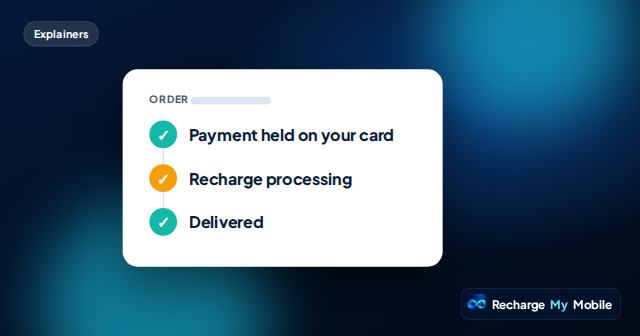
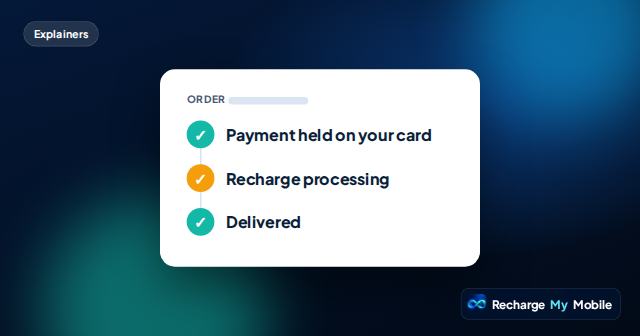
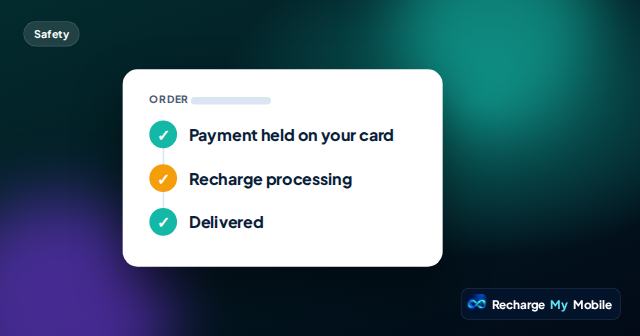
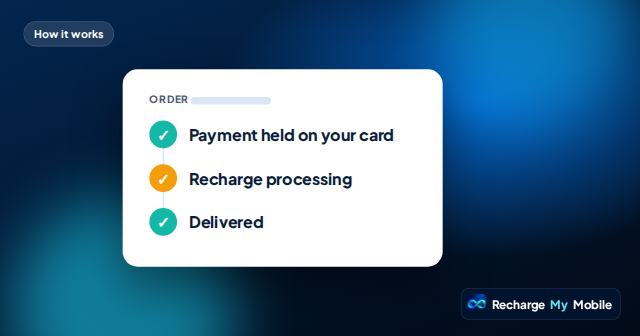
Before the recipient checks, look at your order page. It shows "Payment held on your card", then "Recharge processing", then "Delivered". If it's still processing, the operator hasn't confirmed yet. Operators usually credit quickly, but some take longer.
Once it shows delivered, the order page also shows the supplier's transfer reference. That's the point at which checking the balance makes sense.
How the recipient can check
Operators have their own ways of showing a balance. We don't list specific codes, because they differ and can change. The recipient can check the usual way for their network.
- Through the operator's own app, if they use it.
- Through a balance option in the phone's menu or SIM menu.
- From a message the operator sends when credit arrives.
- By asking the operator's customer care.
- With help from a family member who uses the same network.
What to compare
Compare the balance with "Recipient gets" on your order page. If it was marked as an estimate, a small difference can be normal, because exchange rates or operator rules may affect the final amount.
Some countries' operators deduct a tax from prepaid top-ups. Where our supplier reports it, the quote showed what arrives after the tax. Also remember that the balance includes any credit already there, minus anything used since.
Checking a data bundle
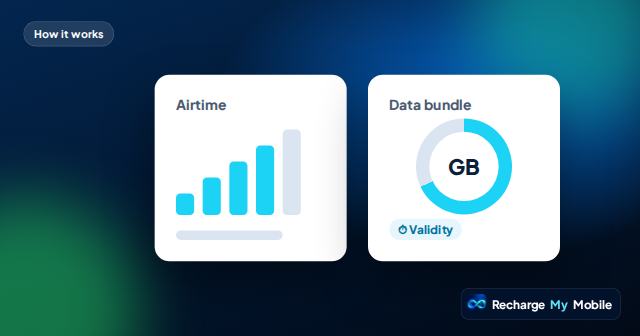
For a data bundle, the recipient should look for the bundle and its validity rather than a money balance. Bundles are sometimes listed separately from airtime.
If the bundle is there but data isn't working, the issue may be a phone setting rather than the top-up. Mobile data may be off, or a dual-SIM phone may be using the other SIM for data.
Helping someone who isn't sure how to check
Not everyone knows how to check a balance, especially older relatives or people with a new phone. A family member or neighbour on the same network can often show them in a minute.
Their operator's customer care can also help. It's worth asking them to show the recipient once, so next time they can check on their own. Remind them never to share any code that arrives by text while they're getting help.
If it doesn't look right
Ask the recipient to wait a little and check again if the order has only just been delivered. If the order shows delivered and the balance still hasn't changed, open a case from the order page.
We check with our supplier. The transfer reference helps us and, if needed, the recipient's operator find the exact transaction. Please don't send the same top-up again while a case is open.
Questions people ask
How can my family check if the top-up arrived?
They can check the usual way for their network, such as the operator's app, a phone menu or a message from the operator. You can also check the order page.
Why is the balance different from what the quote showed?
Estimates can vary with exchange rates or operator rules, some operators deduct tax, and existing credit or recent use changes the balance.
The order says delivered but the balance hasn't changed. What now?
Ask the recipient to check again shortly. If it's still missing, open a case from the order page and we check with our supplier.
Where do I find the transfer reference?
On the order page, once the top-up has been delivered. It helps trace the exact transaction if something seems wrong.
Does the recipient need an app to check their balance?
Not necessarily. Many operators offer several ways to check, such as a phone menu, a message or customer care, as well as an app.