The data bundle arrived but isn't working: what to check
یہ مضمون فی الحال انگریزی میں ہے۔
Short answer
If a data bundle has arrived but isn't working, the cause is often a phone setting rather than the top-up. Ask the recipient to check that mobile data is switched on, that the right SIM is set for data on a dual-SIM phone, and that they have signal. Restarting the phone often helps. If the bundle still doesn't show or work, open a case from the order page.
First, confirm the bundle arrived
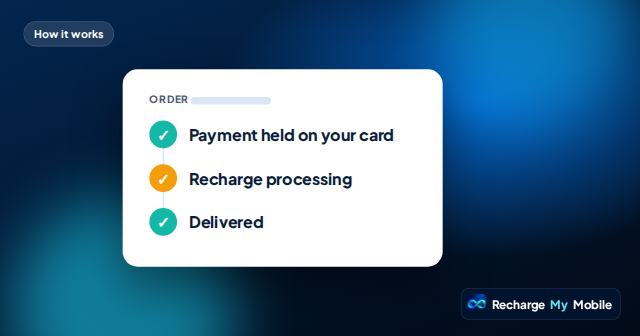
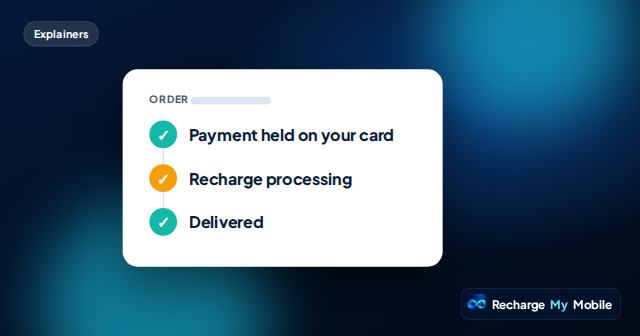
Check your order page. If it shows "Recharge processing", the operator hasn't confirmed yet, and the bundle may simply not be there. Operators usually credit quickly, but some take longer. Please don't pay again while it's processing.
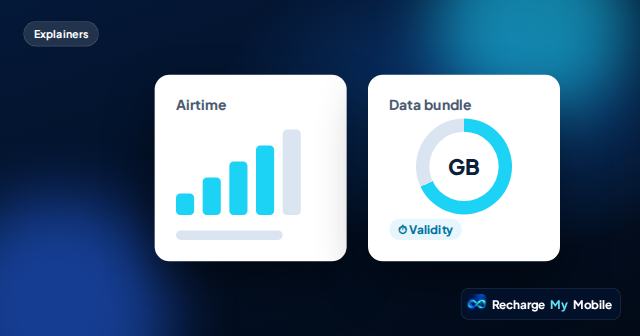
If it shows "Delivered", with the supplier's transfer reference, ask the recipient to check their bundle the usual way for their network. Bundles are sometimes listed separately from airtime balance.
Simple checks on the phone
Most data problems after a top-up come down to a handful of settings. The recipient, or someone nearby, can try these in order.
- Make sure mobile data is switched on.
- Turn off Wi-Fi briefly, to test the mobile connection on its own.
- Check that aeroplane mode is off.
- On a dual-SIM phone, make sure the SIM with the bundle is the one set for mobile data.
- Check there's mobile signal where they are.
- Restart the phone, then try again.
Is the phone roaming?
If the recipient is travelling outside their home country, their phone is roaming. Many local bundles work only on the home network, and using data abroad may need roaming to be enabled and may be charged differently.
Their operator can confirm whether their bundle works while roaming. If they're back home but the phone thinks it's roaming, a restart often fixes it.
Does the bundle cover what they're using?
Some bundles are for specific apps, such as social media or messaging, rather than general internet use. If the recipient tries to use another app, it may draw on their airtime or not work.
Check the bundle's description on your order page. If it's an app bundle, explain which apps it covers. The recipient's operator can confirm the details.
Network settings
Occasionally a phone needs the operator's network settings to use data. This is more common with new phones, imported phones or SIMs moved between devices. The operator can send or explain the correct settings.
Because these settings differ between operators and phones, it's best that the recipient asks their operator's customer care rather than trying settings from elsewhere.
If it still doesn't work
If the order shows delivered and the recipient can't see the bundle at all, open a case from the order page. We check with our supplier, and the transfer reference helps trace the exact top-up.
If the bundle shows but won't connect after these checks, the recipient's operator is best placed to help, because the issue is likely on the network or phone side.
Questions people ask
Why is my data bundle not working after a top-up?
Often a setting is the cause: mobile data off, the wrong SIM set for data, aeroplane mode on, or no signal. Restarting the phone often helps.
The bundle arrived but the phone uses airtime for internet. Why?
The bundle may cover only certain apps, or the phone may be using another SIM for data. Check the bundle's details and the phone's SIM settings.
Does a data bundle work when travelling abroad?
Many local bundles work only on the home network. The recipient's operator can confirm whether their bundle works while roaming.
What should I do if the bundle never appeared?
Check the order page. If it shows delivered and the recipient can't see the bundle, open a case from the order page and we check with our supplier.
Can a new data bundle replace one that's still active?
How bundles combine depends on the operator's rules. Some add to an existing bundle and some start separately. The recipient's operator can confirm.